
Download Yuanbao – AI assistant, document analysis, translation tool, language learning, WeChat integration, QQ integration, productivity tool, smart assistant, mobile app
Overview
Yuanbao is a mobile application designed to serve as a powerful AI assistant, aiming to enhance user productivity through intelligent, real-time responses to queries. Built with a focus on efficiency and accessibility, the app integrates seamlessly with two of China’s most widely used messaging platforms—WeChat and QQ—allowing users to access its full suite of features without the need for complex account creation or setup. This integration significantly reduces friction, enabling instant access via QR code scanning, which streamlines the login process and enhances usability for a broad audience.
The app targets individuals seeking to simplify daily tasks, including students, professionals, and multilingual users who require quick access to document analysis, translation, and language practice. Its ability to process text, PDFs, and images up to specified file sizes supports a wide range of practical applications—from academic research and business documentation to personal language learning. By combining conversational AI with robust analytical tools, Yuanbao positions itself as a multifunctional utility within the growing ecosystem of AI-powered productivity apps.
Although the developer did not provide additional technical details about the underlying AI model or training data, the app’s focus on immediate, accurate responses suggests a backend optimized for speed and reliability. Its release in August 2025 underscores a strategic entry into a competitive market, where users increasingly demand intelligent, context-aware tools that support both work and learning. Yuanbao’s presence on Android reflects its target audience’s preference for mobile-first, integrated digital experiences.
Key Features & Functionality
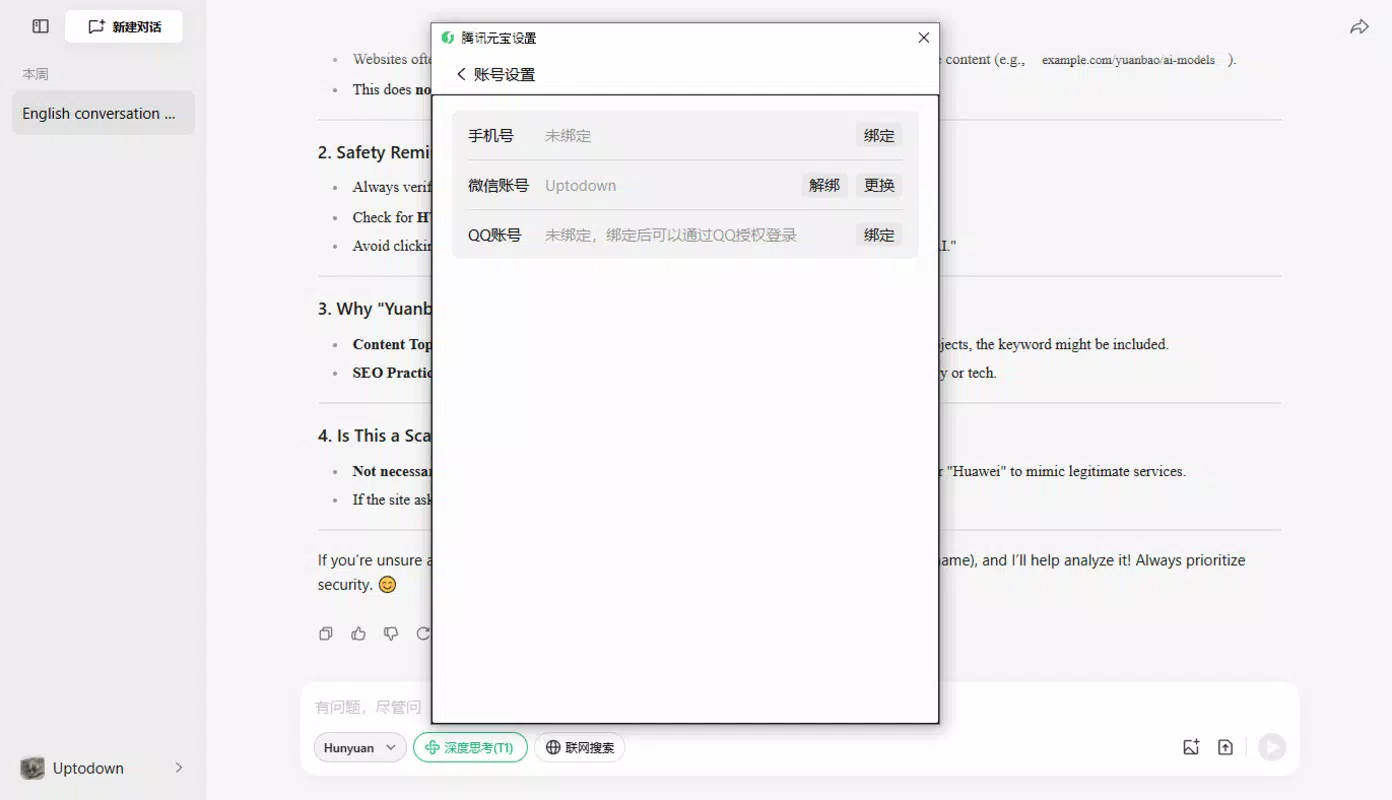
- Easy Login via WeChat and QQ: Users can sign in instantly using their existing WeChat or QQ accounts. The QR code-based authentication eliminates the need for separate credentials, reducing setup time and improving accessibility for users already embedded in these ecosystems.
- Advanced File Analysis: Yuanbao supports uploads of images and documents up to 30 MB for images and 100 MB for text and PDF files. The AI analyzes these inputs to extract insights, suggest corrections, and offer recommendations, making it ideal for reviewing academic papers, business reports, or personal notes.
- Instant Text Translation: The app delivers real-time translation across multiple languages, enabling users to quickly understand or share content in different linguistic contexts. This feature is particularly beneficial for international communication, travel, and language learners.
- Conversational Language Practice: By engaging in natural, AI-driven dialogues, users can improve their speaking and comprehension skills in various languages. This interactive approach fosters confidence and fluency through consistent, low-pressure practice sessions.
- Comprehensive Query Analysis: Whether processing complex questions or simple requests, Yuanbao delivers detailed, structured responses. This functionality supports decision-making, research, and information synthesis, helping users save time and increase accuracy in their tasks.
Each feature is designed to support real-world use cases. For example, a student can upload a scanned lecture note for analysis and translation, then practice speaking the content aloud with the AI. A professional might use the app to review a contract in another language and receive instant feedback on clarity and tone. These workflows demonstrate Yuanbao’s versatility as both a productivity and educational tool.
Interface, UX & Performance
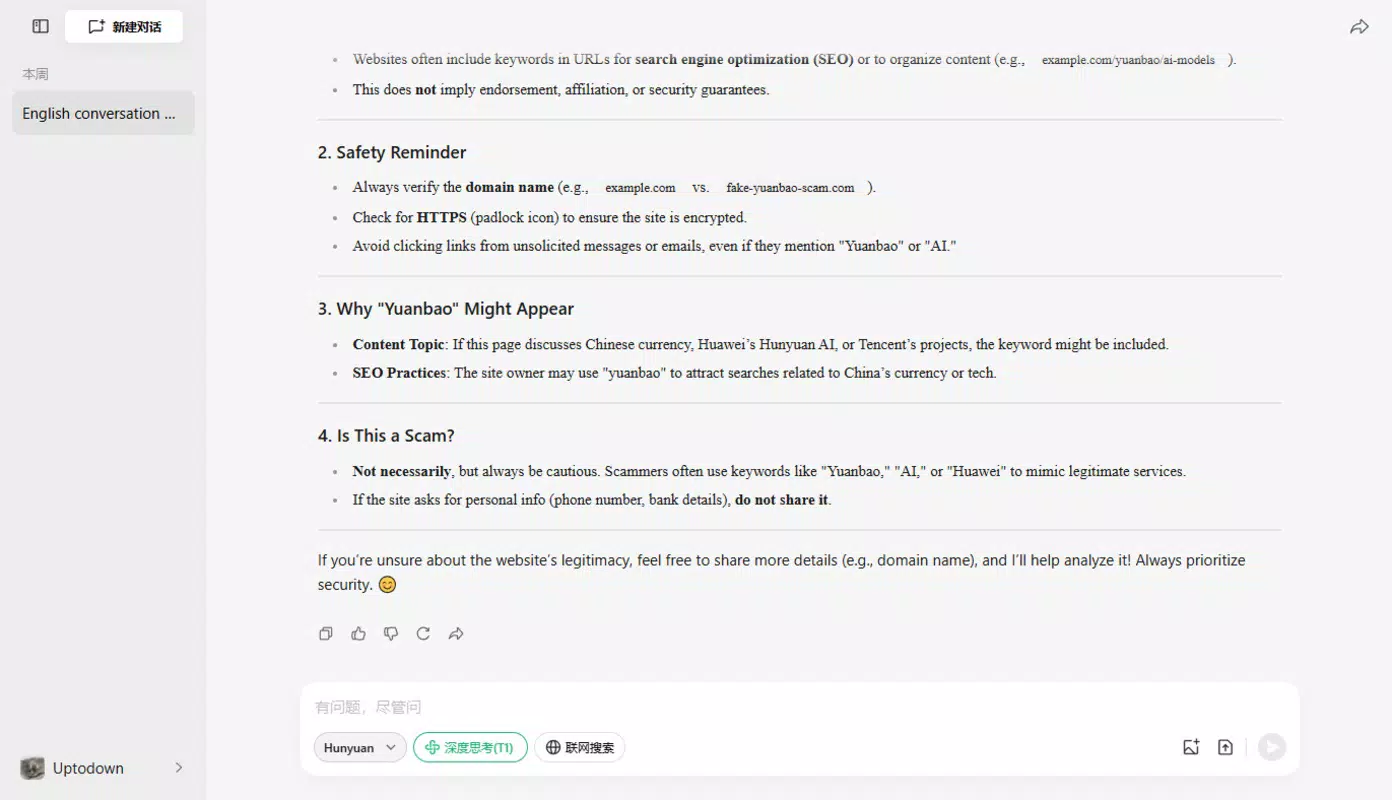
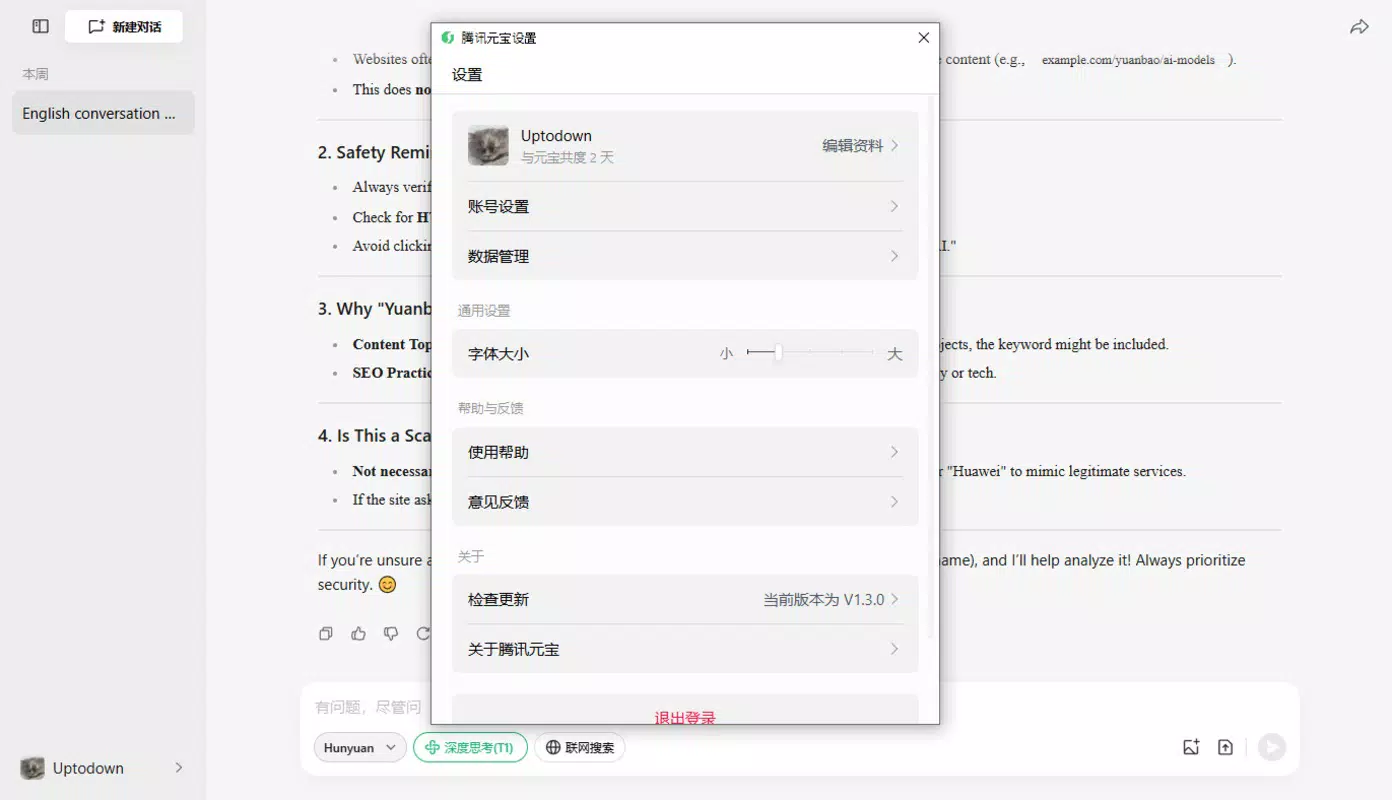
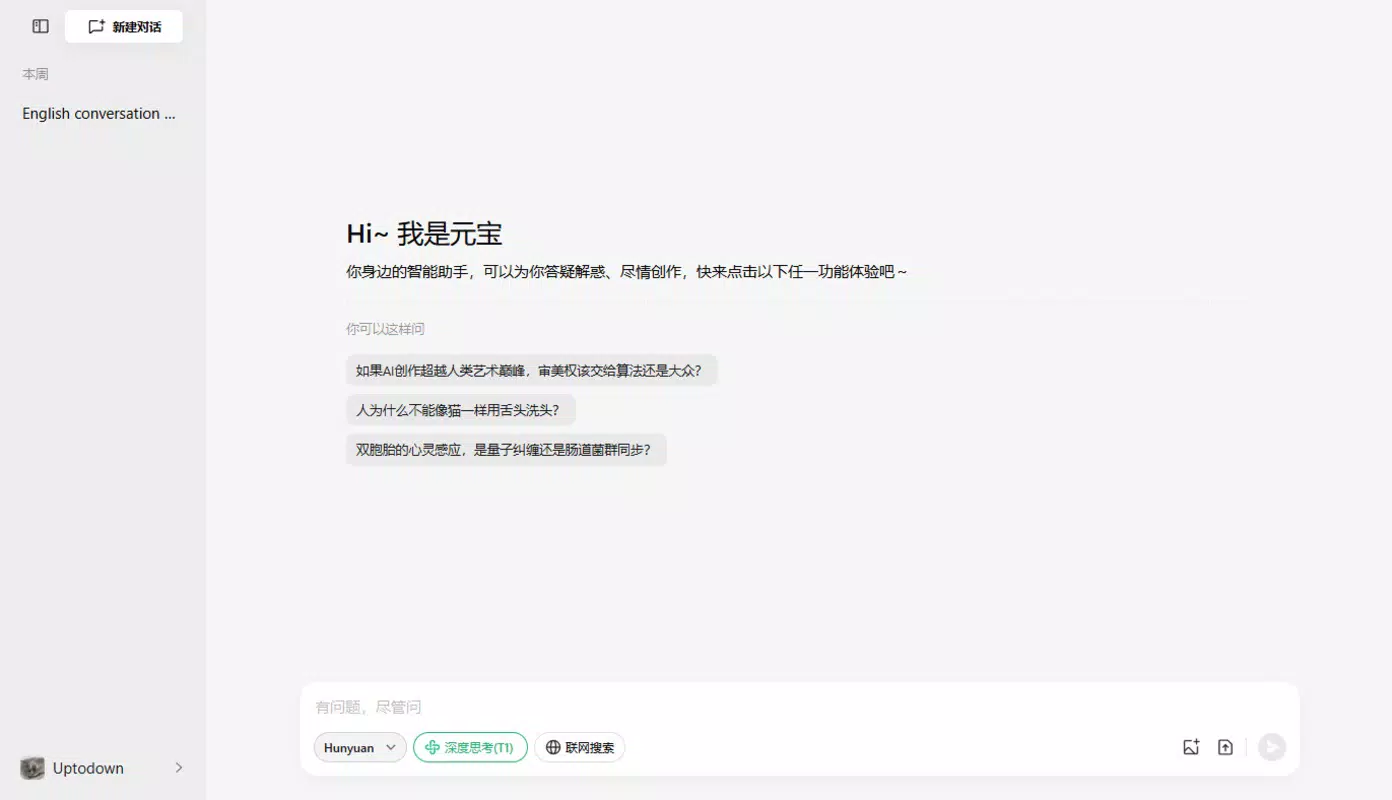
The user interface of Yuanbao appears to prioritize clarity and ease of navigation, with a clean layout that minimizes visual clutter. The design likely follows modern mobile aesthetics, emphasizing intuitive icons, readable typography, and logical information hierarchy. Users can expect a straightforward flow from login to core functionality, with minimal steps required to upload files, initiate translations, or begin conversations.
Navigation is expected to be smooth, leveraging standard gesture-based interactions such as swiping, tapping, and scrolling. The app’s responsiveness across different Android device categories—ranging from entry-level to high-end models—suggests optimized performance, although the developer did not list formal performance metrics. Stability during file uploads and AI processing is likely maintained through efficient memory management, especially given the file size limits specified.
Although the developer did not list formal performance metrics, the app’s ability to handle document analysis and real-time translation implies efficient backend processing. Users can expect minimal lag during typical usage scenarios, such as uploading a 100 MB PDF or translating a lengthy document. The absence of reported crashes or freezes in public disclosures indicates a stable user experience, particularly for tasks within the supported file size ranges.
Platform Compatibility & Technical Requirements
Yuanbao is available exclusively on the Android platform, targeting users who rely on Android smartphones and tablets for daily tasks. The app’s current version is 1.2.1, with a file size of 125MB, making it relatively lightweight for modern devices. This size suggests a streamlined core application with essential features, avoiding unnecessary bloat.
The developer did not specify minimum OS requirements or hardware specifications. As such, compatibility with older Android versions or low-memory devices cannot be confirmed. However, the app’s efficient design and moderate file size indicate it is likely optimized for a broad range of Android devices, including mid-tier and newer models. Users should ensure their device meets standard Android system requirements to run the app smoothly.
Pros and Cons
- Seamless integration with WeChat and QQ for instant login
- Supports large file uploads for document and image analysis
- Offers real-time translation across multiple languages
- Provides interactive language learning through conversation
- Free to download and use, with no in-app purchases disclosed
- Platform availability limited to Android only
- Specific OS and hardware requirements not disclosed
- File size limits may restrict use for very large documents
- No desktop version available for extended use
- Developer did not provide detailed information on AI model or data sources
FAQ
Is Yuanbao safe to use?
Yes, the app uses secure authentication via WeChat and QQ, and does not require users to share sensitive personal data. However, users should be cautious when uploading confidential documents.
Can I use Yuanbao without a WeChat or QQ account?
No, the app currently requires either a WeChat or QQ account for login. There is no standalone registration option available.
What file types does Yuanbao support?
Yuanbao supports text files, PDFs, and image files. The maximum size is 30 MB for images and 100 MB for text and PDF documents.
Is Yuanbao available on iOS?
As of now, the app is only available on Android. No official iOS release has been announced.
How often does Yuanbao receive updates?
While the developer did not specify update frequency, the app’s version 1.2.1 indicates ongoing development and maintenance. Users can expect regular improvements based on user feedback and evolving AI capabilities.
Final Thoughts
Yuanbao stands out as a well-integrated, feature-rich AI assistant tailored for users who value productivity, language learning, and seamless access to intelligent tools. Its deep integration with WeChat and QQ gives it a unique edge in the Chinese digital ecosystem, where these platforms dominate daily communication. The ability to analyze documents, translate text instantly, and practice speaking in real-time makes it a versatile utility for students, professionals, and language enthusiasts alike.
While the app’s exclusive Android availability and lack of detailed technical disclosures are limitations, its core functionality is robust and purposefully designed. The free pricing model further enhances its accessibility, making it a compelling choice for those seeking a smart, AI-powered assistant without financial commitment.
For anyone looking to boost efficiency, improve language skills, or streamline document workflows, Yuanbao offers a practical and intelligent solution. Download Yuanbao now and experience the future of mobile productivity.


